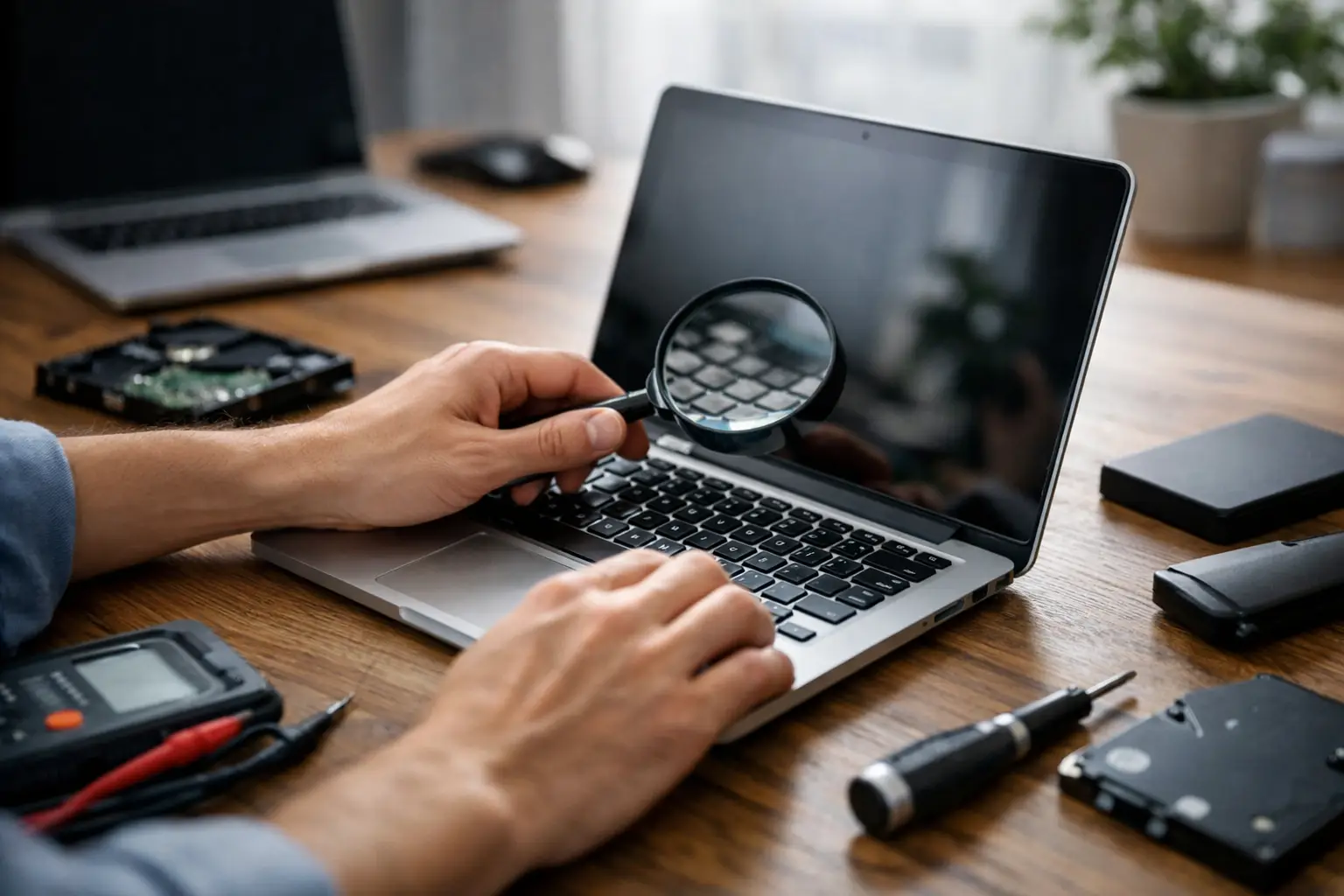
A refurbished laptop can serve you perfectly for work, studies, video calls, or everyday use, without the price tag of a brand-new model. The right question, though, isn't just "how cheap is it?" It's what to check on a refurbished laptop so the savings from your purchase don't turn into repair costs a few months later.
Refurbished doesn't necessarily mean "old and problematic." It's usually a business-grade model that has been used, tested, cleaned, and prepared for a new owner. Quality, however, varies a lot from device to device and from seller to seller. With the right inspection before buying, you can find a reliable laptop — like the ones in our laptop & PC sales that we recommend only after a technical check.
Start with how you'll actually use it
Before you look at brand, appearance, or price, decide what the laptop will be used for. For Word, email, browsing, and online services, a business-grade model with a recent-generation Intel Core i5, 8 GB RAM, and an SSD can be enough. For remote work with lots of tabs, Excel, office apps, and frequent video calls, aim for 16 GB RAM.
If you need it for video editing, design software, demanding development work, or gaming, the choice needs more attention. An affordable refurbished laptop can be a good solution, but not every model is suitable for heavy use. In these cases, the graphics card, cooling, and processor matter more than whether the device looks flawless on the outside.
What to check on a refurbished laptop before you pay
Processor, RAM, and SSD
The technical specifications should be stated clearly. Don't settle for phrases like "Core i5" or "fast laptop." Ask for the exact processor model and its generation. An i5 doesn't perform the same across every generation, and very old series may not properly support newer versions of the operating system.
For RAM, 8 GB is the minimum recommended today for comfortable everyday use. 16 GB offers a noticeably better experience for professional use and running multiple applications at once. Also ask whether the RAM is upgradeable — a laptop that can later take more memory has a longer useful life.
The drive is just as critical. Choose an SSD over an old mechanical HDD. An SSD makes the system boot quickly, improves how apps respond, and reduces daily frustration. Confirm the capacity: 256 GB is enough for basic use, while 512 GB is a more comfortable choice. If it still has an HDD, consider whether an SSD upgrade is worth it before or after the purchase.
Battery health and charger
The battery is one of the areas where a used or refurbished laptop most often shows its age. A device may run perfectly while plugged in, yet hold very little charge without the charger. Ask for information about battery life and, where possible, its actual condition.
Not every refurbished laptop needs to have a battery like new. But you do need to know exactly what you're buying. If you'll keep it permanently at a desk, modest battery life may not bother you. If you move between school, work, or meetings every day, the battery plays a decisive role.
Check the charger as well. It should be compatible, the right wattage, and in good condition. A makeshift or unsuitable charger can cause slow charging, overheating, or unstable operation.
Screen, keyboard, and hinges
External condition isn't just about looks. Minor scratches on the lid are usually acceptable, especially on business laptops that have been used in an office. On the other hand, cracks in the frame, dents on the corners, loose hinges, or signs of a drop deserve attention.
Open the screen and check it against both light and dark backgrounds. Look for dead pixels, bright spots, flickering, or lines. Check whether brightness adjusts properly and whether the resolution meets your needs. For long working sessions, a clear Full HD screen is noticeably easier on the eyes.
Test every key, the touchpad, and all the buttons. The keyboard should respond without sticking, and the touchpad should register movement and taps correctly. At the hinges, the screen should stay firmly in place without creaking or excessive resistance.
Ports, Wi-Fi, camera, and audio
A laptop can look fine but still have a problem with a USB port, Wi-Fi, or the camera. These faults are often only noticed once you actually need the device for work. Test the USB ports with a flash drive, check charging, the HDMI connection if you need it, and the speakers or headphone output.
Open the camera and microphone, especially if you make video calls. Connect to a wireless network and make sure Wi-Fi doesn't drop. If the model has USB-C, ask exactly what it supports — not every USB-C port has the same capabilities for charging, external display output, or fast data transfer.
Temperatures and noise
Overheating is a point you shouldn't overlook. Leave the laptop running for a while, open a few apps or a video, and listen to the fan. It's normal for it to run under load. It's not normal for it to run at maximum constantly, to be loud, or to reach excessive temperatures during simple use.
Proper cleaning of the cooling system and, where needed, replacing the thermal paste can significantly improve the situation. Even so, the seller should give you a clear picture of the device's condition — just as with any laptop repair in Ioannina when a machine keeps freezing or overheating.
The warranty isn't a minor detail
With refurbished laptops, the warranty is part of the purchase's value. Ask how long it lasts, what it covers, and what the process is if a problem shows up. A very low price with no meaningful warranty may not actually be a good deal in the end.
It's equally important to have a proof of purchase and a clear description of the model, its specifications, and its condition. That way you know exactly what you received and have coverage if you need technical support.
Also pay attention to what the warranty doesn't cover. Normal battery wear, accidents, and liquid damage are usually treated differently from a hardware fault.
Operating system and data security
A refurbished laptop should be delivered clean of the previous user's data, with a properly installed and activated operating system. Ask whether it has a genuine Windows license and which version is installed. A non-activated or outdated operating system can create restrictions and security issues.
The device should have the basic drivers, updates, and correct hardware recognition in place. If you see unknown devices in Device Manager or error messages, ask for them to be checked before the purchase is finalized. For a clean install, see when a Windows installation is needed.
When a refurbished laptop is worth it
It's worth it when the price matches its actual condition, its specifications, and the warranty provided. Business-grade models from well-known lines often have better build quality, a more durable keyboard, and easier upgradeability than several brand-new, budget laptops.
It's not worth it when the laptop is so old that it struggles with basic tasks, when the battery is questionable with no information provided, when there's no warranty, or when the price gets too close to a new model with better coverage. The right choice isn't always the cheapest one — it's the one that will serve you reliably, without surprises.
Frequently asked questions about refurbished laptops
What does "refurbished" mean?
It usually means the laptop has been used, tested, cleaned, and prepared for a new owner. It's not the same as a random used device with no inspection — quality depends on the seller and the process they follow.
Is 8 GB of RAM enough?
For basic use, yes, but for remote work with many tabs and applications running together, 16 GB is the safer choice. Ask whether the memory is upgradeable.
Does it need to have an SSD?
Yes, ideally. A refurbished laptop with an HDD may look cheap, but everyday use will be much slower. An SSD is one of the first things worth checking.
Do I need a warranty?
Absolutely. The warranty and proof of purchase are part of the value. Without them, a low price can end up costing more in repairs.
At ZarrasTech in Ioannina, every device needs to pass a genuine technical inspection before it's offered for sale. If you're not sure which model fits your needs, ask us to explain your options and their real limitations in plain terms.
Looking for a refurbished laptop in Ioannina? Check out our sales, our laptop repair, or call +30 697 448 4324 for a free diagnosis.