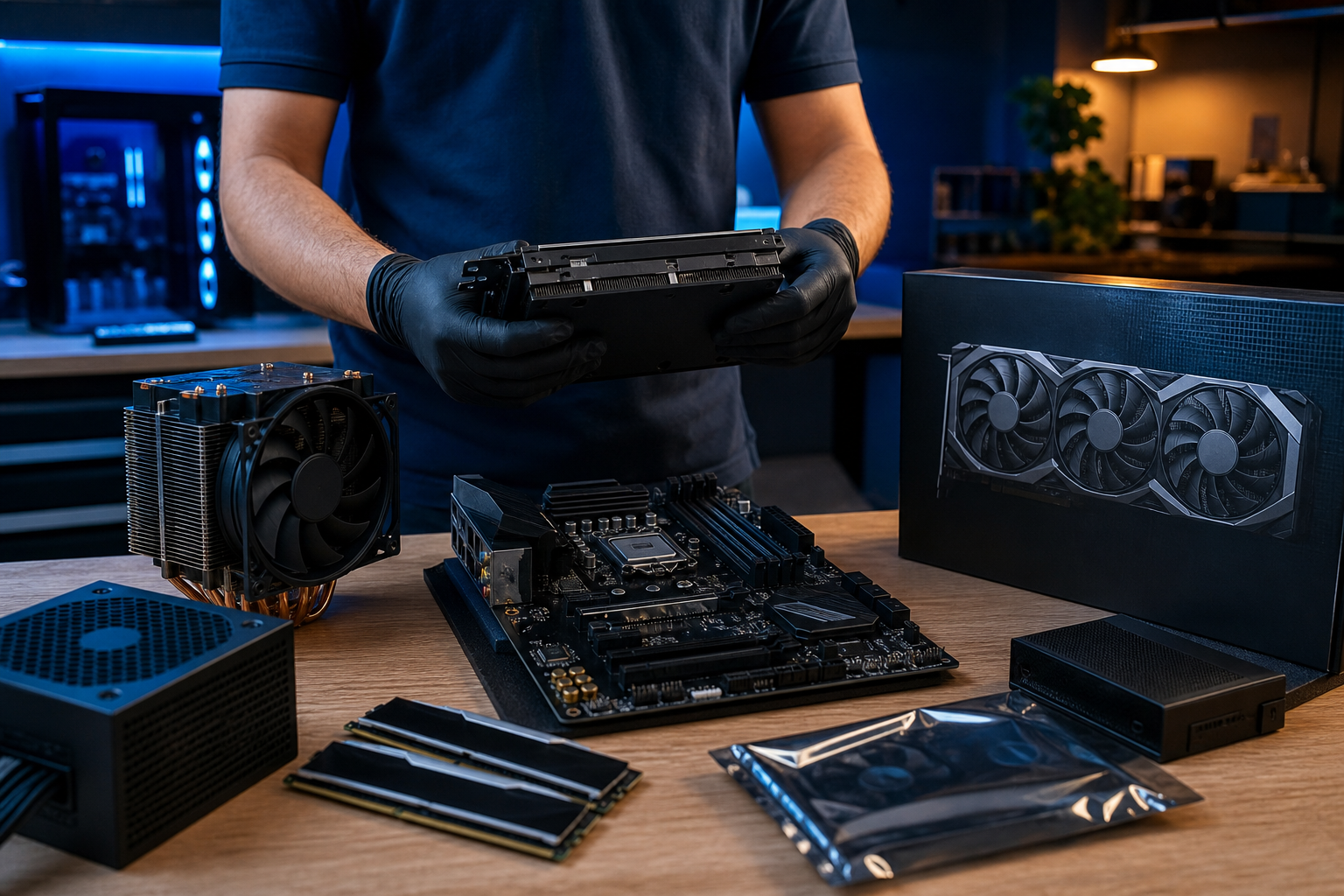
Bought a CPU, graphics card, motherboard, and power supply online — but don't want to risk getting the gaming PC assembly wrong? At ZarrasTech we handle gaming PC build assembly using your own parts, with compatibility checks, correct installation, and stability testing. Our results guarantee is built on 35+ years of technical experience — not on random trial and error.
Many users in Ioannina bring in boxes of parts they bought from an online store or marketplace. The problem isn't always the quality of the components. It's often a motherboard-CPU incompatibility, an underpowered PSU for the GPU, a mistake with the thermal paste, or a BIOS that hasn't been configured correctly. A professional assembly using your own parts saves you from damage, wasted time, and questionable results.
What "using your own parts" means
You don't need to buy everything from us. You can bring:
- Processor (CPU)
- Motherboard
- RAM
- Graphics card (GPU)
- SSD / HDD
- Power supply (PSU)
- Case
- CPU cooling (air or liquid)
Before work begins, we check whether the parts are actually compatible with each other and whether they meet the use you have in mind (1080p, 1440p, 4K gaming, streaming, etc.). If something doesn't line up, we tell you before we assemble it — not after.
Why professional assembly is worth it even if you already have the parts
Compatibility checks
Two "correct" components aren't always compatible with each other. The motherboard has to support the CPU generation, the RAM type, the GPU size, and the power supply. The PSU needs enough power and the right connectors. These mistakes don't show up on the store page — they show up when the PC won't start or shuts down under load.
Proper installation and cooling
CPU thermal paste, RAM slot order, case airflow, and cable management all affect temperatures, noise, and stability. A mistake here can make an expensive system run hot or freeze without any obvious hardware problem.
BIOS settings and testing
After assembly, the build needs XMP/EXPO checks for RAM, BIOS updates where required, stress tests, and temperature monitoring. The goal isn't just "it turns on." It's that it runs stably under gaming load.
What we check before work begins
- CPU – motherboard – BIOS compatibility
- Sufficient power supply for CPU + GPU
- RAM: type, speed, capacity
- GPU clearance in the case and airflow
- SSD/NVMe: motherboard slots and ports
- CPU cooler: height, socket compatibility
If a component doesn't pass the check, we let you know with honest options: replacing the part, a different motherboard, a stronger PSU, or a cooling upgrade. We never proceed without your approval.
The process in 4 steps
- Intake & inspection: You bring in the parts (or some of them). We check compatibility and condition.
- Quote: We inform you of the assembly cost (indicatively from €50, plus any extra configuration) before anything starts.
- Assembly: Installation, cabling, BIOS, drivers, basic configuration.
- Testing & delivery: Stress tests, temperature checks, delivery of a ready-to-use system.
If you need a liquid cooling installation with your own kit, work starts indicatively from €30, always after a compatibility check. See all our PC services and indicative prices on our page.
What to watch out for before buying parts yourself
If you haven't bought parts yet, we can guide you before the purchase — so you don't pay for an incompatible or unnecessary component. If you already have them, bring them in for a check. In any case:
- Keep the receipts and warranties for your parts
- Don't handle sensitive components (CPU pins) without experience
- Don't "attempt" an assembly if you're not confident — mistakes with thermal paste or the PSU can get expensive
A gaming PC with your own parts can be an excellent budget solution — if the assembly is done correctly.
35 years of experience = a results guarantee
We don't promise magic FPS your hardware doesn't support. We guarantee proper technical work: compatibility, stable operation, clear communication before and after, and an inspection built on decades of real-world experience with PCs, laptops, and custom builds. We've seen builds that "won't turn on" because of the wrong PSU, systems overheating due to poor cooling, and customers who paid twice as much because they tried it themselves first.
With 35+ years in the field, we know when an upgrade is worth it, when a new PSU is needed, and when a part that looks like a "bargain" will cause you problems.
Frequently asked questions
I'm only bringing some of the parts — is that possible?
Yes. We can assemble whatever you bring and recommend what's still needed for a complete system.
What happens if a part turns out to be defective?
We catch it during inspection or testing. Our guarantee covers our workmanship; defective parts are covered by the warranty of the supplier/store you purchased them from.
How much does assembly with my own parts cost?
Custom PC assembly starts indicatively from €50. The final amount depends on complexity (cooling, cabling, testing, Windows).
Do you install Windows?
Yes, by arrangement. See also our guide on Windows installation for what a proper installation includes.
Can I bring used / second-hand parts?
Yes, but they go through a condition check. For used GPUs or PSUs, this check is especially important.
Want gaming PC assembly with your own parts in Ioannina? Bring your parts in for a check, or call +30 697 448 4324 for a free diagnosis and a clear quote before any work begins. Also check out our PC repair and sales.