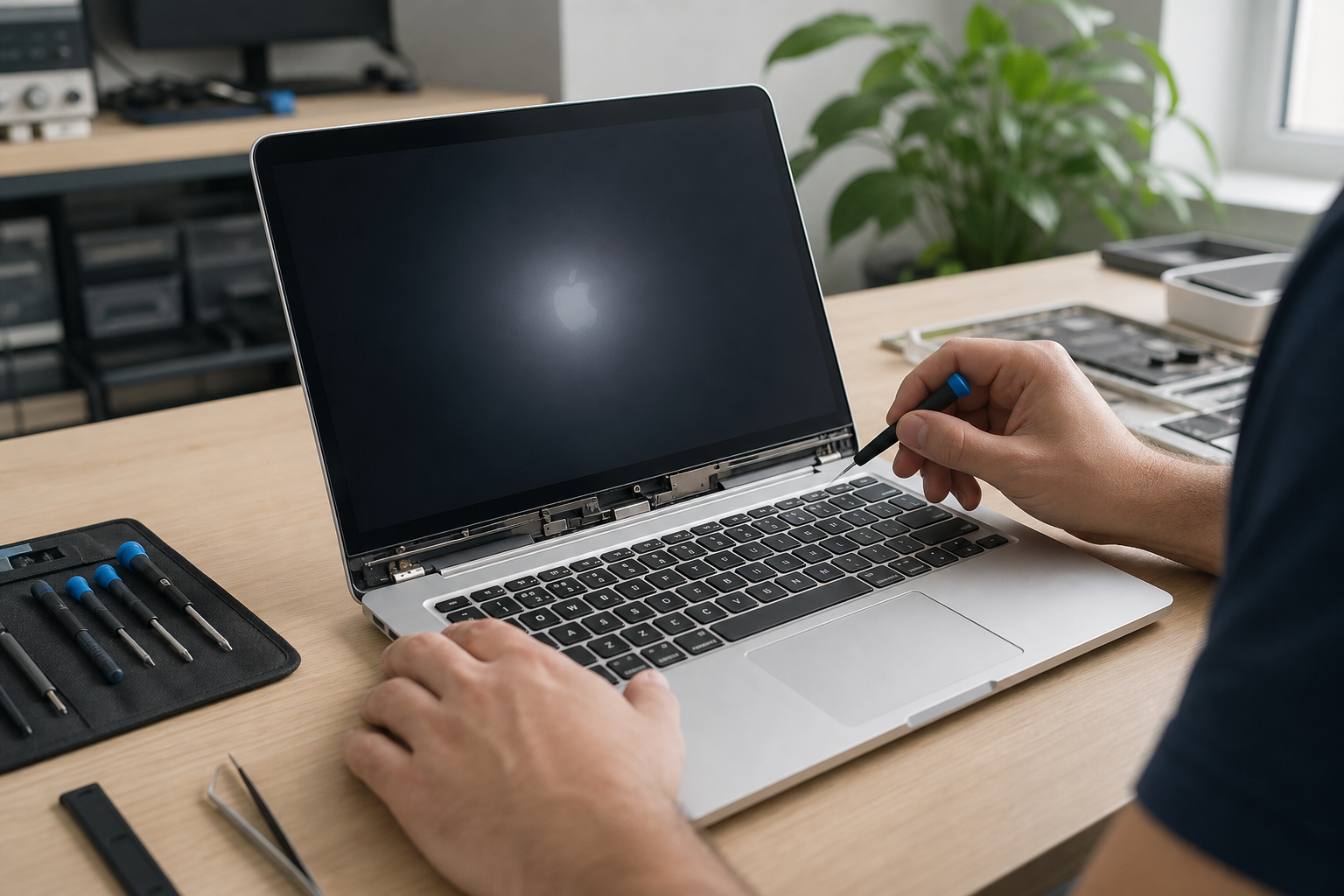
Your MacBook is slow or won't turn on, and the first thought is often that it's time for a new one. That isn't always true. Many Macs become sluggish, show the spinning beach ball, overheat, or freeze on the Apple logo because of dust, a full disk, a worn battery, or a failed macOS update. A proper diagnosis shows whether repair and servicing are worth it — or whether replacement really is the better option.
In Ioannina, Mac repair covers MacBook Air, MacBook Pro, iMac, and Mac mini. Each generation is built differently. On older models, a storage or memory upgrade can give the machine a new lease of life. On newer ones with soldered parts, the check has to be more careful before you decide anything.
Why a MacBook slows down without being "broken"
macOS is stable, but it isn't invincible. When storage fills up, too many apps run in the background, or old update files pile up, the familiar spinning beach ball appears. The same happens when an older iMac or MacBook still uses a mechanical HDD while the machine tries to open modern apps.
Temperature matters just as much. If the fans run constantly and the chassis gets hot, the system throttles performance to protect itself. The cause is often dust on the heatsink or dried thermal paste — the same pattern we see in PC dust cleaning. You don't need panic. You need a cooling check before you replace the device.
Other common causes of slow performance:
- Little free disk space
- Too many apps launching at startup
- A problematic macOS update
- A worn battery that limits performance
- An old drive that can no longer keep up with daily use
When the Mac won't start or freezes on the Apple logo
The most worrying symptom is a machine that won't boot at all, stays on the Apple logo, or restarts on its own. That does not automatically mean the logic board is dead. It can be the power adapter, the charging cable, the battery, the drive, or a failed system install.
Before you bring it in, note exactly what happens: does the logo appear? Can you hear a fan? Was there a drop, liquid, or an update just before the problem started? Those details help diagnosis, but they don't replace it. On Macs with a T2 chip or Apple Silicon, some jobs need a specific procedure and should not be done at home with random tools.
If the device starts but loses files, reports disk errors, or keeps asking to repair a volume, stop experimenting with format. First check whether the data can still be saved — see file recovery before it's gone for good.
What a technician checks on a Mac
Repair does not start by swapping a part blindly. First comes a free diagnosis: startup, power, temperatures, drive health, battery, and a basic software check. Then you get a clear explanation of what is needed and what it costs. No work starts without your approval.
The jobs that most often make sense are:
- Internal cleaning and a cooling check
- macOS reinstall or restore with basic setup
- Storage upgrade where access is possible
- Memory upgrade on models that support it
- Charging and battery check
- Slow-performance work through cleaning and optimisation
On newer MacBooks, a screen or battery replacement can cost more because parts are integrated. That is why the quote before work matters: servicing may be enough, or the repair may not be worth it compared with the age of the machine.
When repair is worth it — and when a new Mac is better
Repair is worth it when the display, keyboard, and logic board are in good condition and the problem is the drive, dust, the system, or the battery. A few-year-old Mac that is simply slow can become a comfortable work tool again without changing ecosystem, cables, and apps.
It is not always worth it after liquid damage, a cracked screen on an expensive model, or a machine that can no longer run the apps you need. The right answer is neither "replace it" nor "fix everything". It is knowing the real cost before you decide. If you need a stopgap while the repair is done, laptop rental is also available.
Frequently asked questions
The MacBook is stuck on the logo. Are my files gone?
Not necessarily. The problem is often software, the drive, or startup, and the data is still there. Don't erase or restore before a check, especially if you have important files without a backup.
Can every Mac take an SSD upgrade?
No. On older models the upgrade is often possible and makes a big difference. On newer MacBooks storage is built in. After diagnosis we tell you whether an upgrade is possible or only servicing and optimisation.
How much does the check cost?
The initial diagnosis is free. Labour depends on the model and generation. As a guide, cleaning and a cooling check or a macOS reinstall usually sit in a range of tens of euros, and you are told the price before anything starts.
If your Mac is slow, runs hot, or won't start properly, don't wait until it starts losing data. An early check shows whether servicing is enough or a targeted repair is needed. See Mac repair in Ioannina, contact us via the contact page, or call +30 697 448 4324.