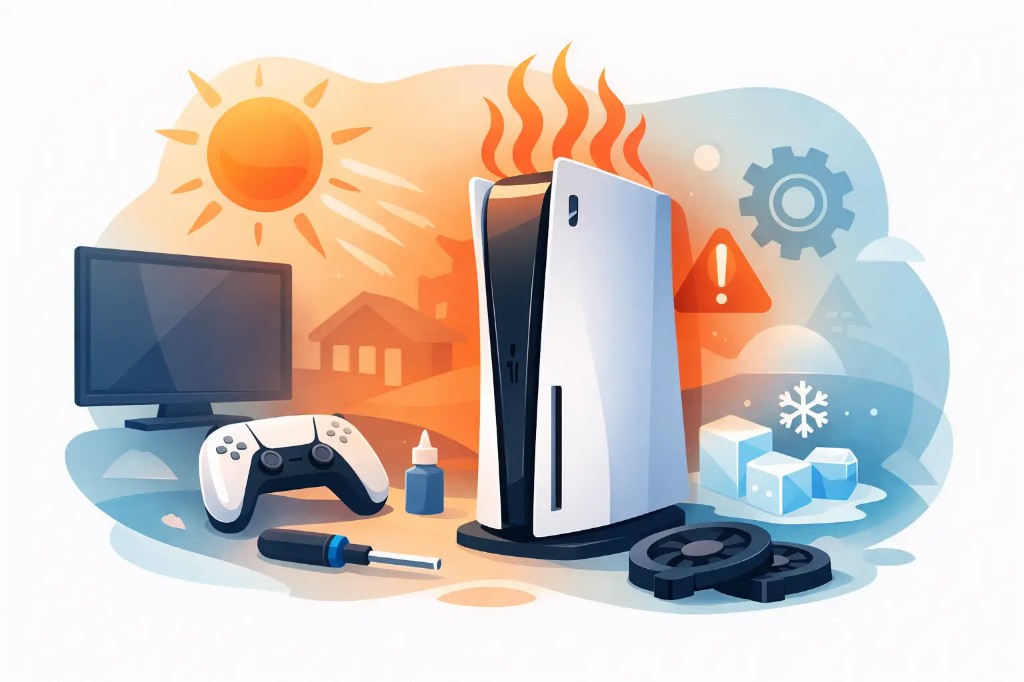
The PS5 isn't just a console that gets warm during long gaming sessions. If it shows a temperature warning, shuts itself off, or the fan sounds unusually loud, it needs attention. The question "why is my PS5 overheating" usually has a practical answer: heat isn't being dissipated properly, or some component is struggling to work under the right conditions.
A single temperature spike doesn't always mean there's a fault. Repeated overheating, however, shouldn't be put off. The console reduces its performance or shuts down entirely to protect the processor, power supply, and internal circuitry. If you keep using it this way, the original cause can develop into a much more expensive repair.
Why the PS5 Overheats
The most common cause is dust buildup in the cooling system. Over time, dust, lint, and pet hair clog the vents, the fan, and the airflow pathways. The PS5 may look clean on the outside while a layer of dust has built up inside, significantly restricting air circulation.
The second very common cause is where the console is placed. When it sits inside a closed TV cabinet, pressed against a wall, or next to another device that generates heat, it ends up recirculating air that's already warm. The fan works harder but still can't bring the temperature down effectively.
There are also cases where the problem can't be fixed with a simple cleaning. The fan may be worn, running at reduced performance, or making unusual noise. The heat dissipation system, the liquid metal compound the console uses, or the power supply may also need technical inspection. These jobs aren't suitable for DIY attempts at home, because opening the device without the correct procedure can cause greater damage.
Signs That It's Not Just Normal Warmth
The PS5 generates heat, especially during demanding games, in hot rooms, or during long play sessions. That in itself is normal. The difference lies in symptoms that repeat or get worse.
It's worth getting a check-up when you notice four or more of the following:
- A message appears saying the PS5 is too hot and needs to be turned off.
- The console shuts down suddenly, especially when running demanding games.
- The fan sounds very loud even on the main menu or during light use.
- Noticeably hot air comes out of the vents and the space around the console becomes excessively warm.
- The console shows freezing, reduced performance, or unexpected restarts.
Extra caution is needed if the PS5 shuts down without always showing a warning first. This could be related to the power supply or to temperature rising quickly at an internal point in the device. It doesn't necessarily mean a component has burned out, but it does call for proper diagnosis before you use it again.
PS5 Placement Matters More Than You'd Think
Before assuming there's a fault, check where the console is placed. The PS5 needs open space around its vents. A narrow shelf, a closed cabinet, or a piece of furniture with its back close to the wall traps heat inside.
Leave enough clearance on all sides, and avoid placing routers, set-top boxes, amplified speakers, or other heat-generating devices on top of or right next to the console. Don't cover the PS5 with a dust cloth while it's running, and don't place it on carpet or a surface that collects lint.
Both vertical and horizontal placement can work fine as long as the console is stable and has room to breathe. What matters isn't the orientation, but ventilation and cleanliness. If the problem only shows up in summer, a hot room can add to the strain, but high room temperature alone rarely explains persistent overheating warnings.
What You Can Safely Do at Home
Start simple. Turn the console off completely, unplug it from power, and let it cool down. Don't try to resume playing right after a temperature warning — the protection the PS5 triggers exists for a reason.
Next, check the external vents for visible dust. You can very carefully clean the outside with a soft, dry cloth and remove surface dust without any liquids. Move the console to an open spot and make sure none of the vents are blocked.
Avoid using a powerful vacuum cleaner directly on internal areas, cleaning liquids, or compressed air without control. Using them incorrectly can push dust deeper in, strain the fan, or cause static electricity issues. Also, don't open the console if you don't know the exact procedure and don't have the right tools.
If the warning returns after proper placement and external cleaning, the answer isn't a stronger fan for the cabinet. It needs an internal inspection of the cooling system and the console's overall condition.
When It Needs Professional Cleaning and Diagnosis
A professional cleaning isn't just "blowing out" the dust. The technician checks the actual condition of the fan, the air ducts, the heatsinks, and the areas where grime accumulates. At the same time, they check whether the issue is related to the power supply, the temperature sensor, or another component that isn't visible from outside.
This is especially useful for consoles used daily, kept in a home with pets, or operating in dusty environments. It's also the right choice when the console has already shut down from overheating more than once. The earlier the check happens, the greater the chance the work can be limited to maintenance rather than a full component replacement.
At ZarrasTech, the console is checked first to identify the real cause. Diagnosis is free, and no work begins without an explanation and cost approval. That way you know exactly what your PS5 needs, what can wait, and which solution actually makes sense — with no hidden charges. Learn more about the full scope of work: PlayStation repair in Ioannina.
Don't Ignore the Overheating Warning
Many users simply restart the PS5 and carry on as normal, since the console works fine again after a few minutes. That's understandable, but it doesn't fix the underlying cause — the console has just had time to cool down temporarily.
Repeated operation at high temperature increases stress on the electronic components. There's no reason to panic after a single incident, but there is good reason to get it checked when the symptom keeps coming back. Early maintenance is usually simpler, more affordable, and lets you get back to gaming without worrying the console will shut down again mid-match.
If your PS5 is overheating excessively, don't try quick fixes that might just mask the problem. Give it space, stop using it when it warns you, and request a check-up before the temperature causes a bigger fault.
Need a PS5 check-up in Ioannina? See PlayStation repair or call +30 697 448 4324 for a free diagnosis.