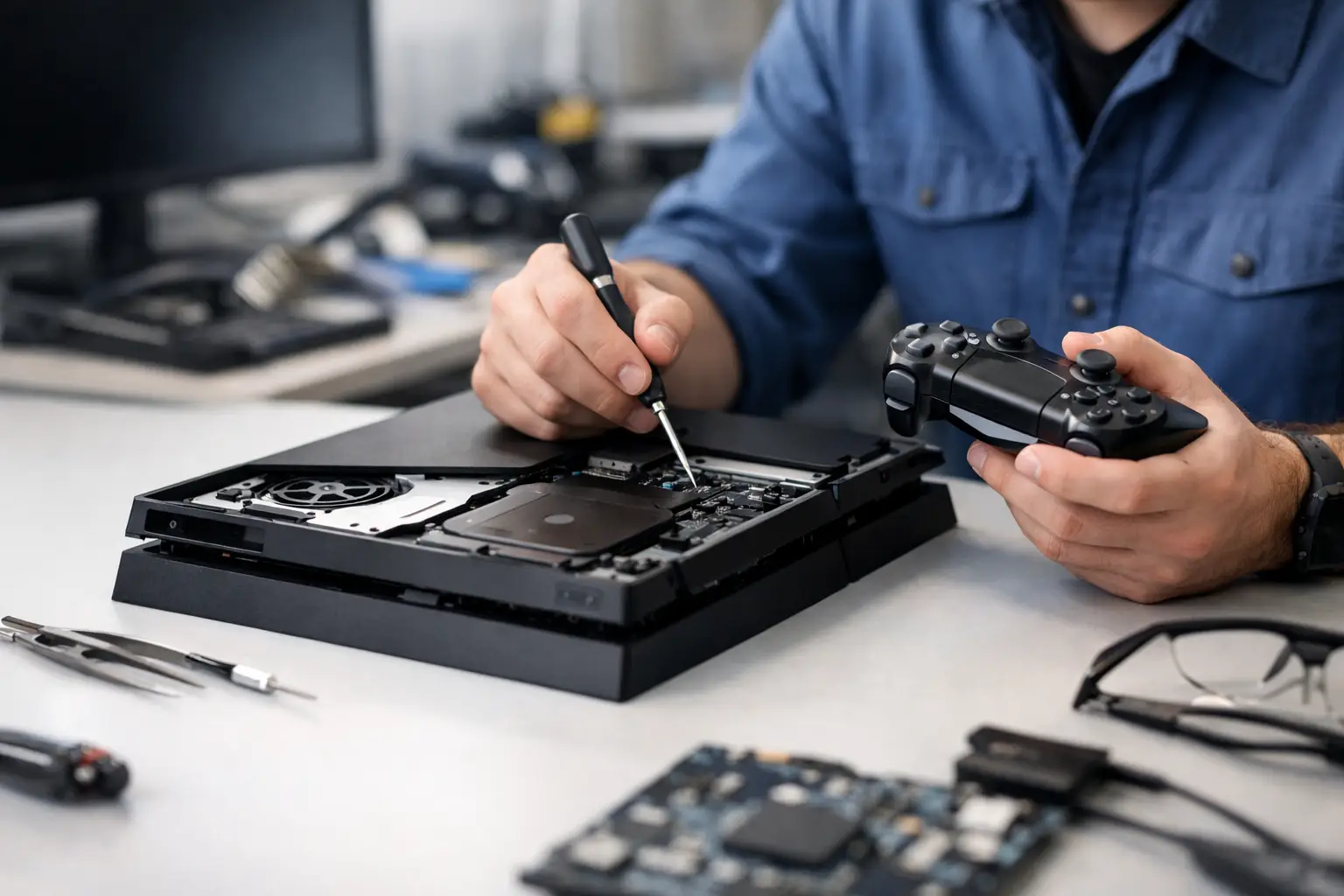
A PlayStation that shuts itself off, overheats, or won't read games doesn't have to sit on a shelf. PlayStation repair in Ioannina starts the right way when the actual fault is diagnosed first and you're informed of the cost before any work is done. That way you know what's wrong, what needs to happen, and whether the repair is worth it.
For many people a console is their everyday entertainment, but it's also a device with demanding components. Heat, dust, long hours of use, drops, moisture, or worn ports can all cause problems. A correct diagnosis makes the difference between a genuine repair and a quick fix that brings the same issue right back.
Which problems get repaired on PS4 and PS5
The fault isn't always obvious from the first symptom. For example, a PlayStation that's very loud might just need a simple cleaning and fresh thermal paste, but it could also have a cooling system issue — as we explain in our article on why the PS5 overheats. Likewise, a console that won't turn on doesn't necessarily mean serious motherboard damage. The power supply, the HDMI port, or an internal component could be to blame.
Our service commonly deals with issues such as:
- Overheating and loud noise
- No picture on the TV
- Controller won't charge or connect
- Worn HDMI and USB ports
- Problems reading discs
- Sudden restarts
We also check software issues, boot errors, and malfunctions that appear after a system update.
Repairs can cover PS4, PS4 Slim, PS4 Pro, PS5, and DualShock or DualSense controllers. Each model has a different build and different common wear points. That's why there's no single answer for every console, and no single price without an inspection.
PlayStation repair in Ioannina, with inspection before cost
The correct process is simple and clear. You bring in the console with a short description of the problem: when it happens, whether it was dropped, whether the fan is loud, whether any indicator lights up, or whether a repair has already been attempted. This information helps the technical inspection, but it doesn't replace diagnosis.
At ZarrasTech, diagnosis is free. Once the cause is identified, you're given a clear explanation of the required work, any parts that may be needed, and the total cost. No work begins without your approval. This matters especially in cases where the repair isn't cost-effective compared to the value or age of the console.
The process follows four practical steps:
- Drop off the console and describe the symptom.
- Free technical diagnosis and inspection of key subsystems.
- Pre-approval of cost and completion time from you.
- Repair, final functional check, and delivery with a workmanship guarantee.
Pre-approval isn't a formality. It protects you from unexpected charges and lets you decide calmly whether to proceed.
PlayStation cleaning: when it's worth doing
If your PlayStation's temperature rises, the fan runs at maximum constantly, or the console shuts down mid-game, an internal cleaning is often the first thing worth checking. Dust that builds up on the fins, the heatsink, and the vents makes it harder for the console to dissipate heat. Over time, the thermal paste can also lose its effectiveness.
Cleaning isn't just about noise. It can reduce thermal stress on components and help the console run more stably. But it doesn't fix every overheating issue. If there's a fault in the fan, the power supply, or another circuit, a different approach is needed. A technical inspection tells the simple cases apart from the complex ones.
Avoid opening the console without the right tools and experience. A lost screw, a torn connector cable, or incorrectly applied thermal material can increase the cost of the repair. It's equally bad practice to blast the external vents with a vacuum cleaner at high power, since this doesn't properly clean the inside and can damage sensitive components.
Controllers that won't charge or drift on their own
Stick drift is one of the most common problems with PlayStation controllers. The character or cursor moves on its own without touching the stick, which makes gameplay frustrating or practically impossible. The cause can be wear in the analog stick mechanism, dust, or a problem with the circuit board.
Other common issues include unresponsive buttons, a battery that won't hold a charge, a worn charging port, Bluetooth disconnects, and a stuck trigger. In many cases, repairing the controller is cheaper than buying a new one. In others, especially when there's multiple wear points, replacement may make more sense. Diagnosis gives you the real picture before you spend any money.
When you need an inspection right away
Don't keep using the console if it smells burnt, shuts off abruptly, shows a distorted picture, or gives no signal to the TV at all. Unplug it and don't keep restarting it repeatedly. If there's a power supply or overheating issue, continued use can make the fault worse.
The same applies when a disc gets stuck inside the PlayStation or the disc mechanism makes unusual noises. Don't try to remove it with sharp objects. Attempting this without the right knowledge can damage the mechanism or the disc itself.
What to bring along with the console
For a faster inspection, bring the console and, if the problem is related to them, the power supply, the controller, or the HDMI cable. If a specific error message appears, a photo of it helps. You don't need to know technical terms — just describe in simple words what the device does or doesn't do.
Frequently asked questions
How long does the repair take?
It depends on the type of fault and parts availability. A cleaning or a controller repair usually takes less time than a complex fault in a port, the power supply, or the motherboard. After diagnosis, you'll be told the estimated turnaround time.
Will I lose my games and save files?
Hardware work, such as cleaning, HDMI repair, or component replacement, usually doesn't affect your data. But if there's a problem with the storage drive or software intervention is required, there's a chance of loss. That's why you're informed before any action that could affect your data takes place.
Is it worth repairing an older PS4?
It depends on the fault, the console's overall condition, and the cost. If it's a cleaning, an HDMI port, or a controller repair, it's often worth it. If there's extensive damage across multiple components, you'll get an honest estimate so you can decide without pressure.
If your console is having problems, don't rely on trial-and-error videos or quick fixes. Ask for a free diagnosis, find out the cost before any work begins, and choose a repair backed by a guarantee. Check out our PlayStation repair, reach us via our contact page, or call +30 697 448 4324.