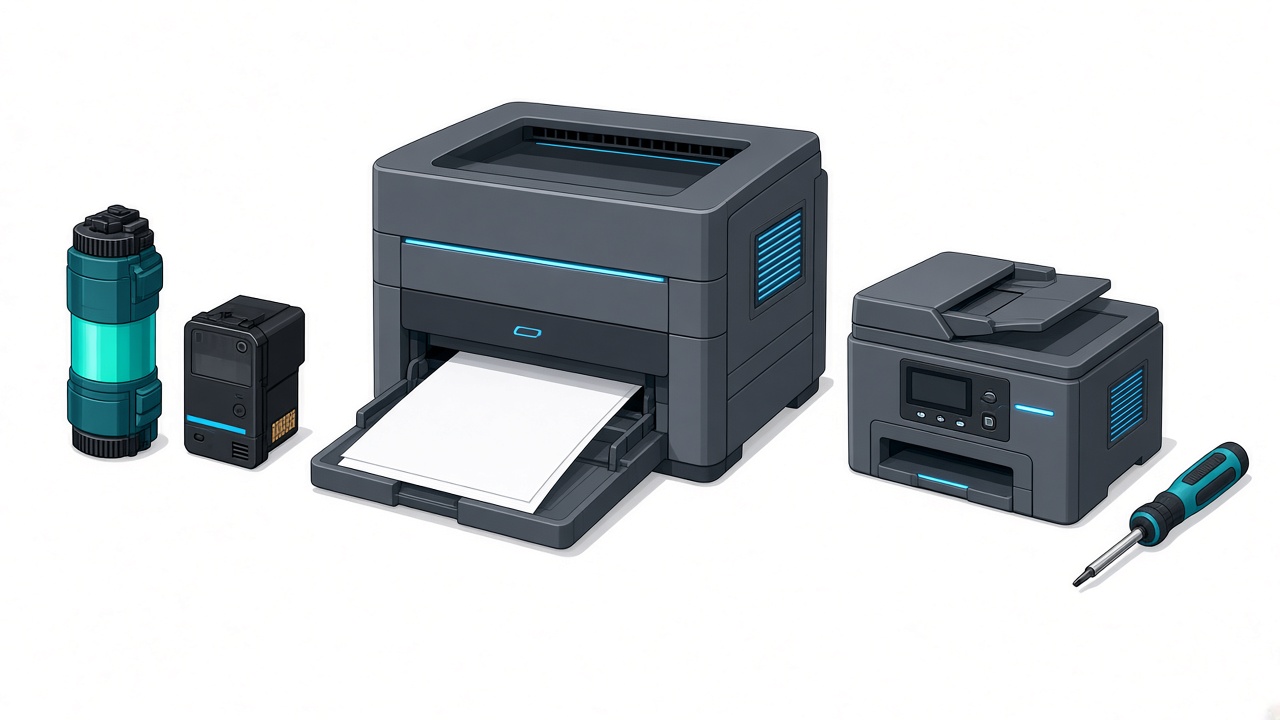
The printer has stopped, prints badly, or keeps jamming, and the first question is always the same: does it need service, or just a cartridge? The answer is not "whenever it will not print." Often the cause is empty toner, dried ink, or a network setting. Sometimes there is a real mechanical fault and repair is worth it. The important part is telling those two cases apart before you pay for the wrong job — or throw away a machine that still has years left in it.
In Ioannina we see both every day. On our printer repair page, diagnosis is free, so we can tell you clearly whether you need cleaning, a part, toner, or a new printer.
The practical rule: over €150, service is usually the right call
The value of the machine matters as much as the symptom. When the printer is relatively expensive — over one hundred and fifty euros — service is probably necessary. That is not only the price you paid. It is also what it would cost to replace it with an equivalent model: an office laser, an EcoTank, a multifunction with scan and fax, or a printer that turns out invoices and documents every day.
On those machines the mechanical parts — rollers, drum, fuser, print heads, power supply — are built for years of use. A targeted service often costs a fraction of replacement and keeps the same workflow, the same supplies, and the same network setup in the office.
Below that threshold the picture changes. A cheap inkjet at €50–80 often costs about as much as a small repair plus parts. If the fault is mechanical and not just ink, repair usually does not pay. We say so after the check — there is no point charging for work on a device that is cheaper to replace.
The €150 rule is a guide, not an absolute law. An expensive printer with a burned board may not be worth fixing. A cheap one that only needs toner or a Wi-Fi reset is fixed in minutes. That is why diagnosis comes first, not a blind purchase of a new machine.
When it does not need service
Not every print stoppage is a fault. Before you bring the device in, it is worth ruling out the usual cases:
- The toner or ink has run out. The printer may show an error, print faded pages, or refuse the job while mechanically it is fine. If it printed normally yesterday and "dried up" today, start with a supply — we stock compatible toner and ink for HP, Canon, Brother, Epson and Samsung.
- Wrong or damp paper. Paper outside spec, too thin, too thick, or that has absorbed moisture causes jams without anything being broken.
- Cable, Wi-Fi or drivers. After a Wi-Fi password change, a new router, a Windows update or a new computer, the printer "disappears" with no mechanical problem. Setup is often enough — and we can do that if you do not want to chase it yourself.
- A low-toner warning while it still prints. Many models warn early. That is not a fault, and it does not always mean you must change the cartridge immediately.
- An inkjet left unused for months. The heads dry out. Sometimes a cleaning cycle from the menu is enough. If not, that is unclogging — which is already service, not "buy a new one."
If the machine powers on, picks paper, and the only thing missing is colour or a connection, do not open the cover with a screwdriver. The wrong opening on a laser (toner, a hot fuser) or an inkjet (heads, ribbons) can turn a cheap problem into a real repair.
When the printer really needs service
Service is needed when the problem keeps coming back after a proper cartridge and a basic connection check, or when the behaviour points to worn mechanical parts.
Signs that almost always need a technician:
- Paper keeps jamming in the same spot, even with a new pack of paper.
- Prints have lines, blotches or fading even with new toner or ink.
- It grinds, knocks, or "chews" the paper.
- It will not power on, shuts off immediately, or smells burnt.
- An error code stays after a cartridge change and a restart.
- Paper comes out wrinkled, glossy, or with melted toner — often a fuser issue on a laser.
- It will not recognise a genuine or correct cartridge even though it sits properly.
- Scan or copy on a multifunction has stopped, while printing still works (or the other way round).
On inkjets, heads that will not clear with the built-in cycles need workshop cleaning. On lasers, worn rollers, an end-of-life drum and the fuser are the most common jobs. Sample prices are on the printer repair page; the final cost is given after the check and only with your approval.
Lasers, inkjets and MFPs are not judged the same way
A cheap supermarket inkjet is often a "consumable device": its value is in the ink, not the chassis. If the power supply or the head fails and the machine cost little, replacement is usually the sensible option.
An office laser or an EcoTank / ink-tank printer over €150 is a different category. There you have already paid for the body, the paper path and — on EcoTank models — the ink system. Service protects that investment. The same applies to multifunction machines that scan, copy and are shared on the office network: replacement means new settings on every computer, new supplies, and downtime.
If you do not remember the purchase price, look at the brand and model. HP, Canon, Brother, Epson and Samsung in professional series almost always clear the €150 line. Very cheap living-room "all-in-ones" usually do not.
What diagnosis checks before you decide
At ZarrasTech, repair does not start without a picture of the cause. We see whether the problem is a supply, a setting, worn rollers, print heads, drum/fuser or the power supply. We tell you what we recommend and what it costs before a screwdriver comes out.
That protects you from two mistakes: buying toner when the drum is finished, or paying for service on a printer that is cheaper to replace. If the repair does not pay, you will hear it clearly. If it does — especially on a machine over €150 — we proceed with a test print and a work warranty.
Frequently asked questions
My printer cost over €150. Does it definitely need service?
It almost always deserves a check. That does not mean every fault is cheap to fix, but in this category service is usually the right first move instead of a new machine.
It cost under €150. Should I throw it away?
Not immediately. If it only needs toner, ink or a network setup, keep it. If the fault is mechanical and the cost approaches a new equivalent model, we discuss replacement without loading you with unnecessary work.
It prints lines. Is it the toner or the machine?
Both happen. If the lines remain after a new cartridge, it is usually the drum, the head or a need for cleaning — in other words, service. Diagnosis settles it quickly.
Can I unclog an inkjet myself?
One cleaning cycle from the menu is safe. Do not put alcohol, needles or water on the heads. If it does not recover, bring it in for professional unclogging before it dries for good.
Do not throw away a printer that cost over €150 without a diagnosis, and do not pay for a repair on a cheap model if all it needs is toner. In Ioannina the check is free. See printer repair or call +30 697 448 4324 for a free diagnosis.